Ingress and AWS Load Balancer Controller
Ingress
By default when you create the cluster using cli , It creates the classic load balancer. We need to explicitly tell the cluster that to create the ALB.
Ingress is a resource that tells the Aws Load Balancer controller to create the alb with some rules. That rules we will provide in the ingress resource in the annotations section.
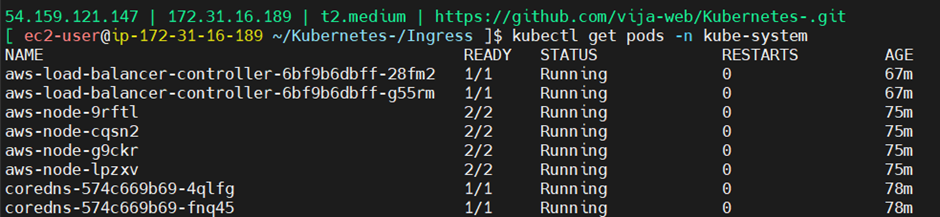
Aws Load Balancer Controller is the driver which can create the alb , listener , rule and we should attach the service account to this controller pod where it runs in the kube-system namespace.
Please once check the ingress definition.
apiVersion: networking.k8s.io/v1
kind: Ingress
metadata:
  name: ingress-alb
  namespace: roboshop
  annotations:
    alb.ingress.kubernetes.io/listen-ports: '[{"HTTPS": 443}]'
    alb.ingress.kubernetes.io/certificate-arn: arn:aws:acm:us-east-1:337756367047:certificate/05f742247-d22d9-4aa4523f-bwef8e7-82a613e3452aff2
    alb.ingress.kubernetes.io/scheme: internet-facing
    alb.ingress.kubernetes.io/tags: Environment=dev,Project=roboshop
    alb.ingress.kubernetes.io/target-type: ip
    alb.ingress.kubernetes.io/group.name: roboshop
spec:
  ingressClassName: alb
  rules:
  - host: "vijayaws2.fun"
    http:
      paths:
      - pathType: Prefix
        path: "/"
        backend:
          service:
            name: frontend
            port:
              number: 80
Steps
Associate the cluster with the OIDC provider
eksctl utils associate-iam-oidc-provider \
    --region us-east-1 \
    --cluster roboshopcluster \
    --approve
Download the IAM policy
curl -o iam-policy.json https://raw.githubusercontent.com/kubernetes-sigs/aws-load-balancer-controller/v2.16.0/docs/install/iam_policy.jsonCreate the IAM policy
aws iam create-policy \
    --policy-name AWSLoadBalancerControllerIAMPolicy \
    --policy-document file://iam-policy.json
Create Service account and IAM role and attach the above policy
eksctl create iamserviceaccount \
--cluster=roboshopcluster \
--namespace=kube-system \
--name=aws-load-balancer-controller \
--attach-policy-arn=arn:aws:iam::337756367047:policy/AWSLoadBalancerControllerIAMPolicy \
--override-existing-serviceaccounts \
--region us-east-1 \
--approve
Install Helm
sudo dnf install helmAdd the repo
helm repo add eks https://aws.github.io/eks-chartsInstall the aws load balancer controller , Its runs as the pods in the kube-system namespace.
helm install aws-load-balancer-controller eks/aws-load-balancer-controller -n kube-system --set clusterName=roboshopcluster --set serviceAccount.create=false --set serviceAccount.name=aws-load-balancer-controller
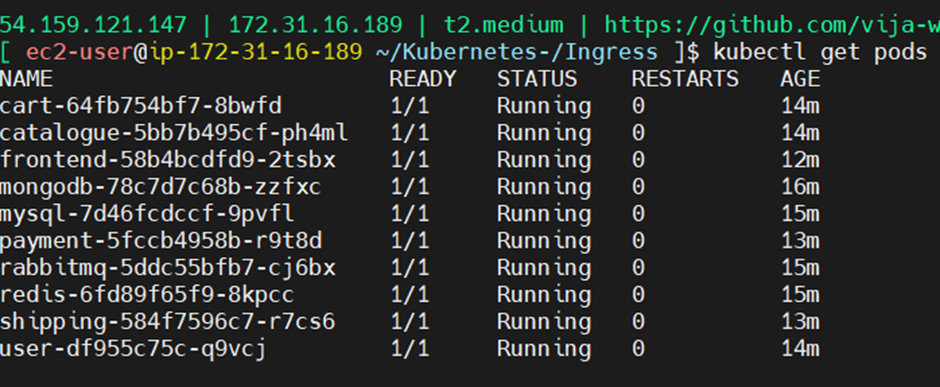
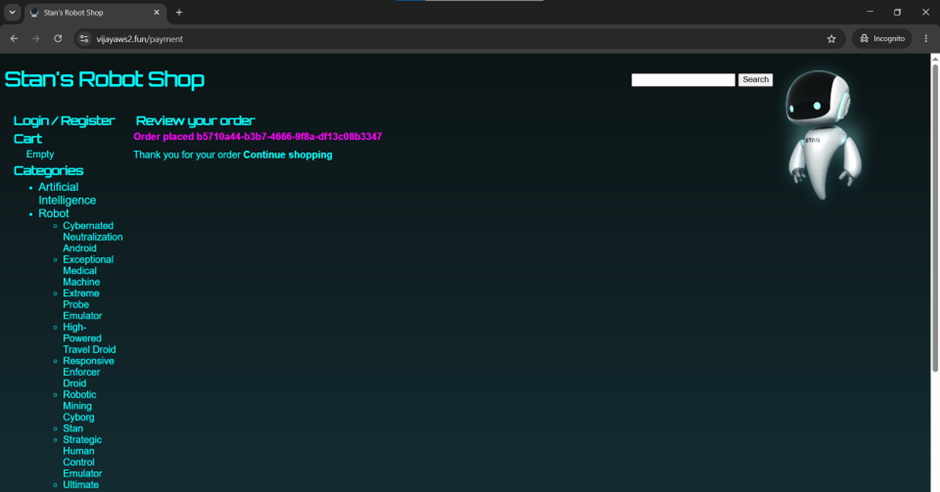
Demo Images:

Architecture Diagram :
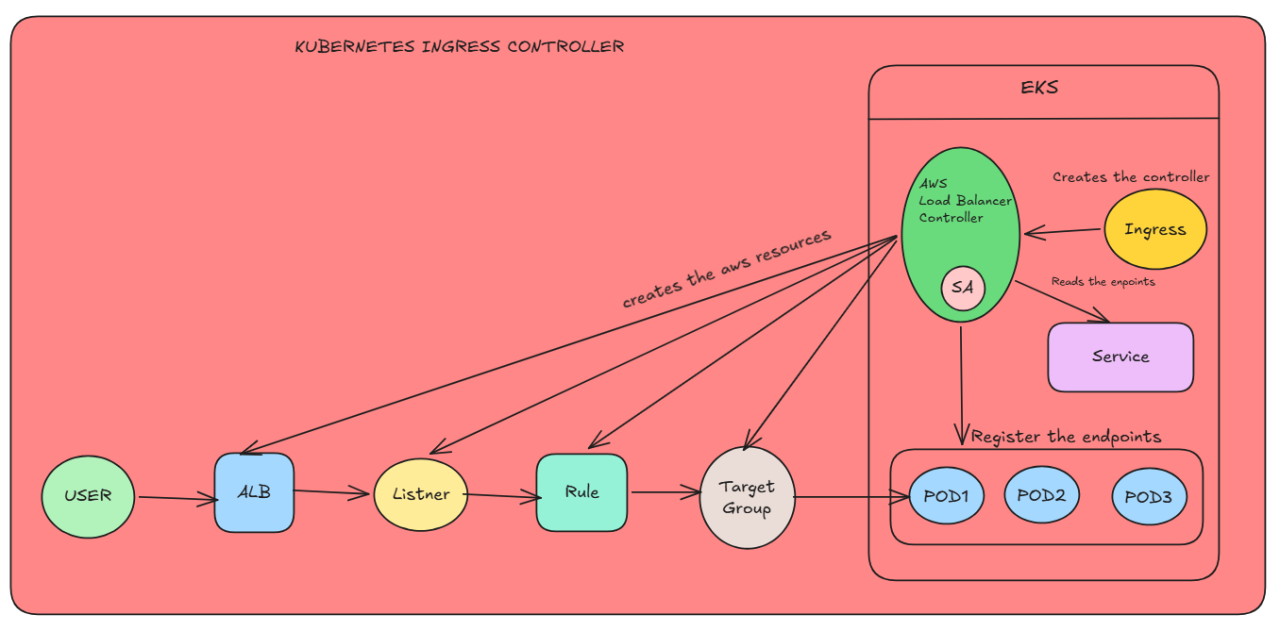
- Here aws load balancer controller creates the alb , listener , rule , target group.
- Even the controller is responsible to attach the endpoints of the service to the target group, So that target group can send the request directly to the pods.
GitHub : https://github.com/vija-web/Kubernetes-/tree/master/Ingress
Thank You :)
Comments
Join the discussionNo comments yet. Be the first to comment.